Open and Completed, kept separate
Track only checked quests, group them by quest area and sort by level. Completed quests have their own green tab; difficulty colors help you choose what to do next.
Quests & Interface · WoW Forever
A transparent Questie-powered tracker with separate completed quests, party progress and shared quest planning.
Options & getting started: /fquestlog
 WOW FOREVER · VERSION 1.1.4
THE PROJECT
Forever Questlog keeps your adventure readable: only tracked quests, grouped by quest area, with your party's available progress beside each objective. Version 1.1.0 adds planning tools, quest-chain context, usable quest items, private notes and a local recap.
FEATURE ILLUSTRATIONS
Illustrated feature examples, not game screenshots. The actual appearance depends on your chosen design, settings and available game functions.
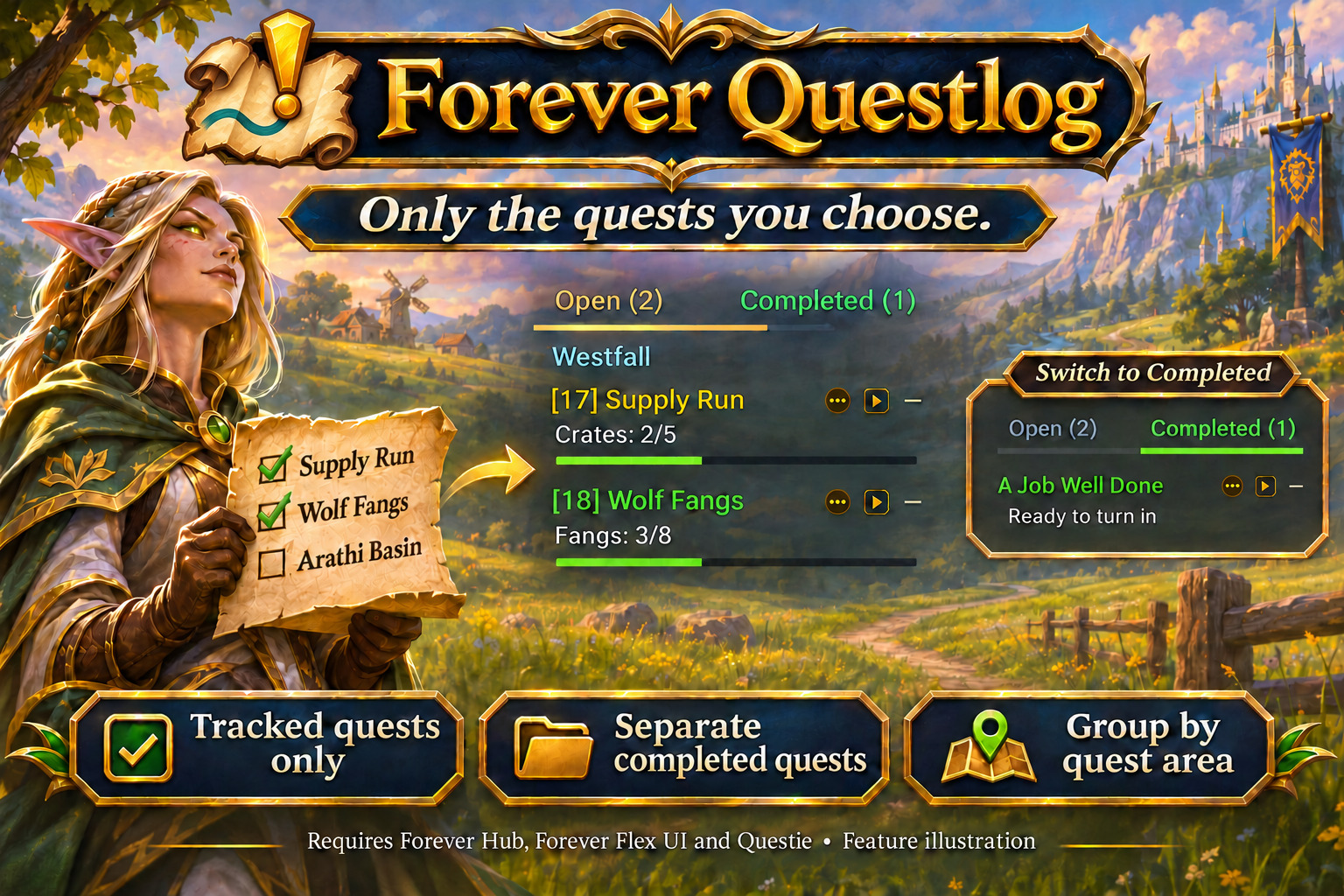
Track checked quests by area and keep ready-to-turn-in quests in their own tab. Feature illustration, not a game screenshot.
Open full size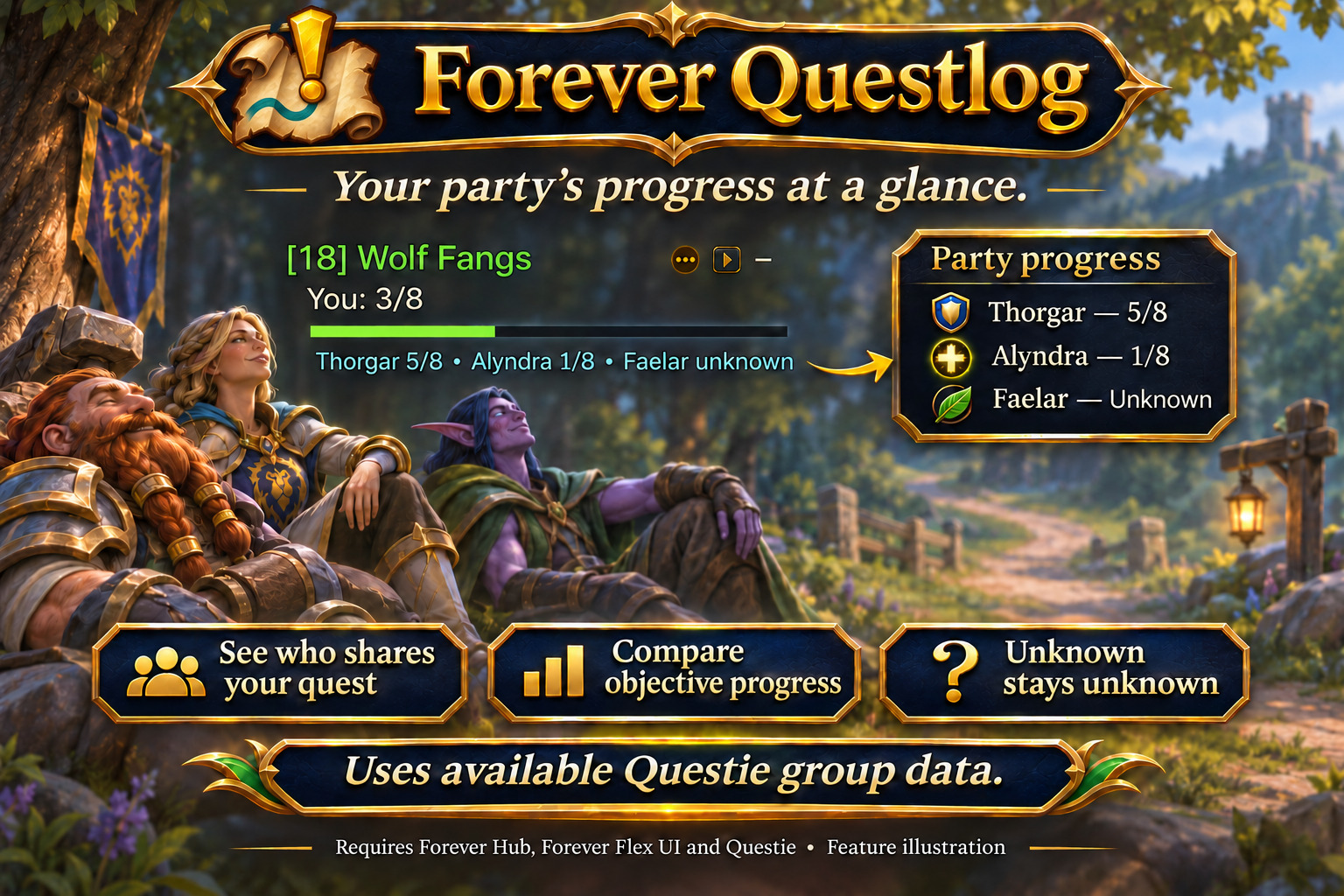
Compare available party objective counts while unknown progress stays clearly labelled. Feature illustration, not a game screenshot.
Open full size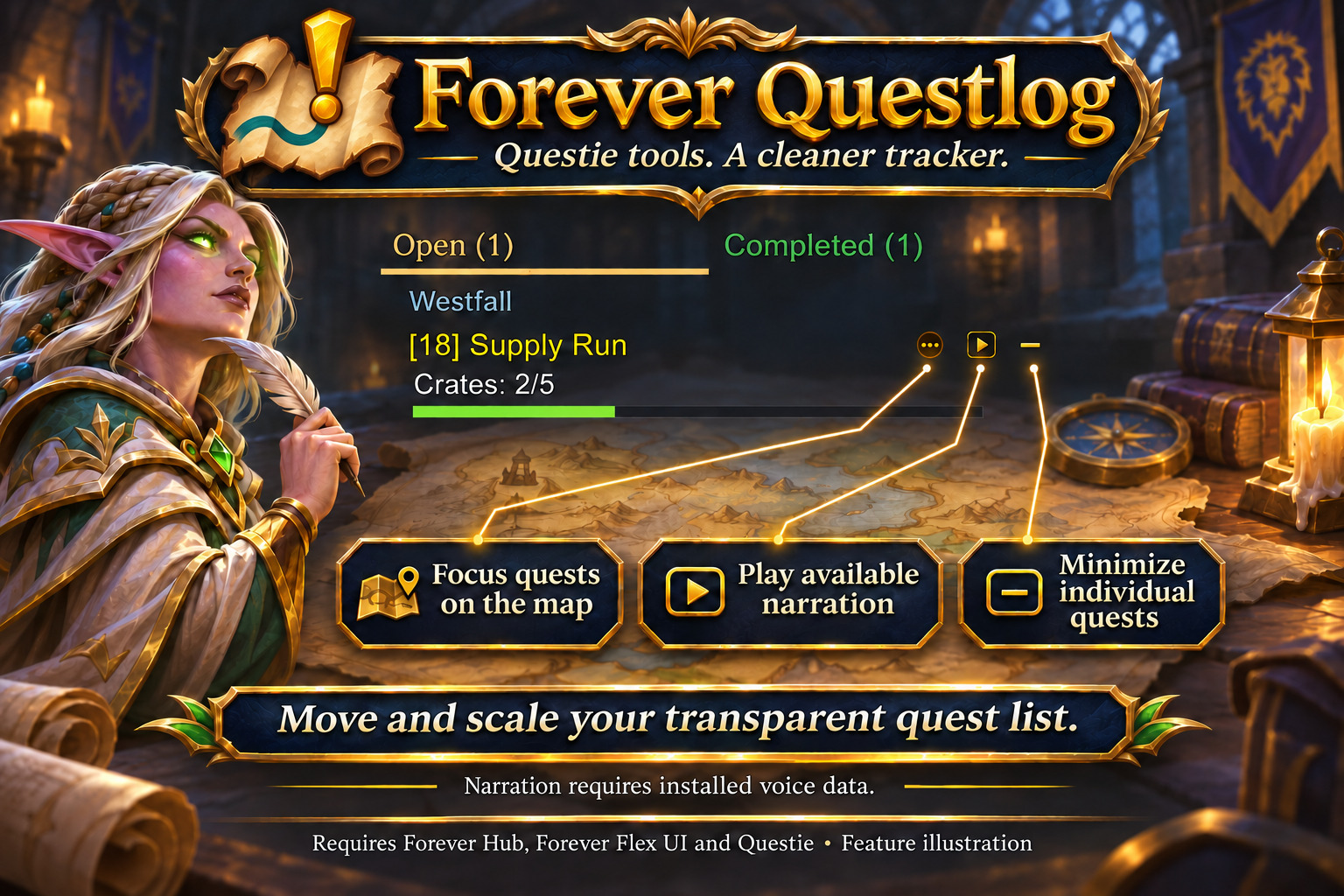
Keep map focus, available narration and collapse actions next to each quest title. Feature illustration, not a game screenshot.
Open full sizeTrack only checked quests, group them by quest area and sort by level. Completed quests have their own green tab; difficulty colors help you choose what to do next.
Compare available objective counts and see who still needs progress. Questie updates are requested on group changes. Unknown, offline and cached results remain clearly labelled.
Choose up to 20 quests for a session plan and send it explicitly to your party or raid. Recipients accept or decline. Pins, current-area quests and planned quests can be prioritized without changing the game's tracking selection.
Map focus, available narration and minimize buttons sit beside the title. Long names are shortened with an ellipsis. Client-designated quest items have secure click actions and visible cooldowns.
Inspect known Questie prerequisites and follow-up quests. Optional Forever Dungeon Journal integration adds dungeon checklists; share eligible quests manually and open installed Dungeon Mates. Unknown requirements are not invented.
Review ready turn-ins and unchanged objectives without automatic abandonment. Keep private quest notes and a session or daily recap with observed quest rewards. Recap history is limited to 30 days and 200 events per day.
Move and scale the transparent tracker, adjust width and text size, and choose a color style. Both tabs keep the same height. Optional titles-only combat view and difficulty words improve readability.
No. Questie remains required for quest data and map features. Forever Questlog replaces the on-screen tracker and hides duplicate Questie, Blizzard and compatible ForeverCore quest lists while enabled.
Completed means current tracked quests ready to turn in. It is not a record of every quest you completed before installing the addon.
Yes, when both sides enable plan sharing. Send up to 20 quest IDs explicitly; the other player can accept or decline. Accepting a plan does not accept, abandon or track quests in the game.
Use Plan & helpers in the tracker menu or /fquestlog tools. Alt-click a quest for context and notes; /fquestlog recap opens your local recap.
INSTALLATION & PUBLICATION
Release 1.1.4 for WoW Forever 1.60.1 is available on CurseForge. Download the addon and receive future updates there.
Open in-game: /fquestlog or Forever Hub. Updated: 21 November 2026.