Open the collection
Distinguish installed, disabled and missing addons; access windows, options and download links centrally.
Minimap & options · WoW Forever
The required core addon for the entire Forever collection.
Options & getting started: /forever
 WOW FOREVER · VERSION 1.11.4
THE PROJECT
Forever Hub brings your addons, their options and launchers together. It is required by every collection extension and can load independently.
FEATURE ILLUSTRATIONS
Illustrated feature examples, not game screenshots. The actual appearance depends on your chosen design, settings and available game functions.
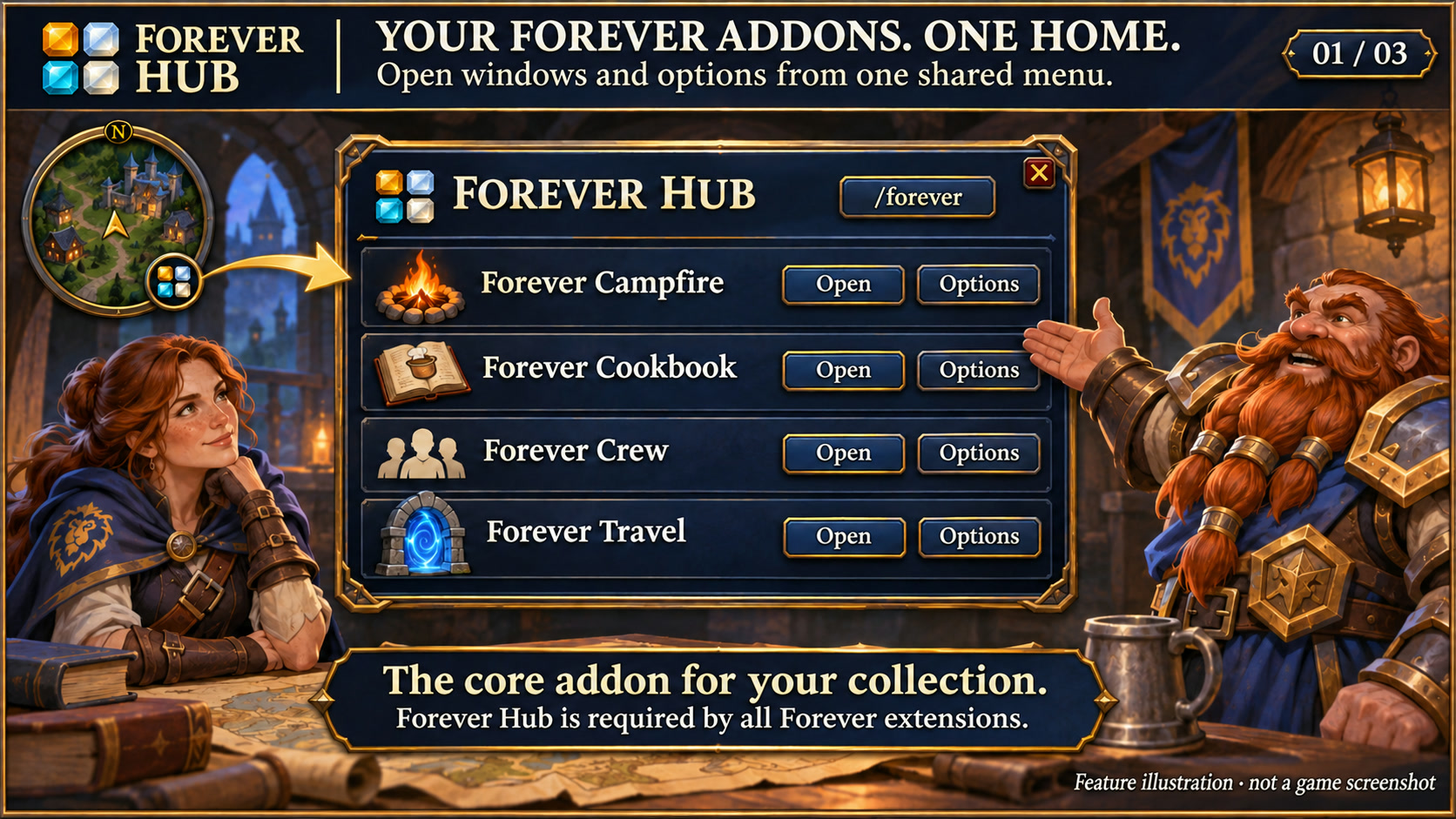
Open Forever addon windows and options from the shared core addon. Feature illustration, not a game screenshot.
Open full size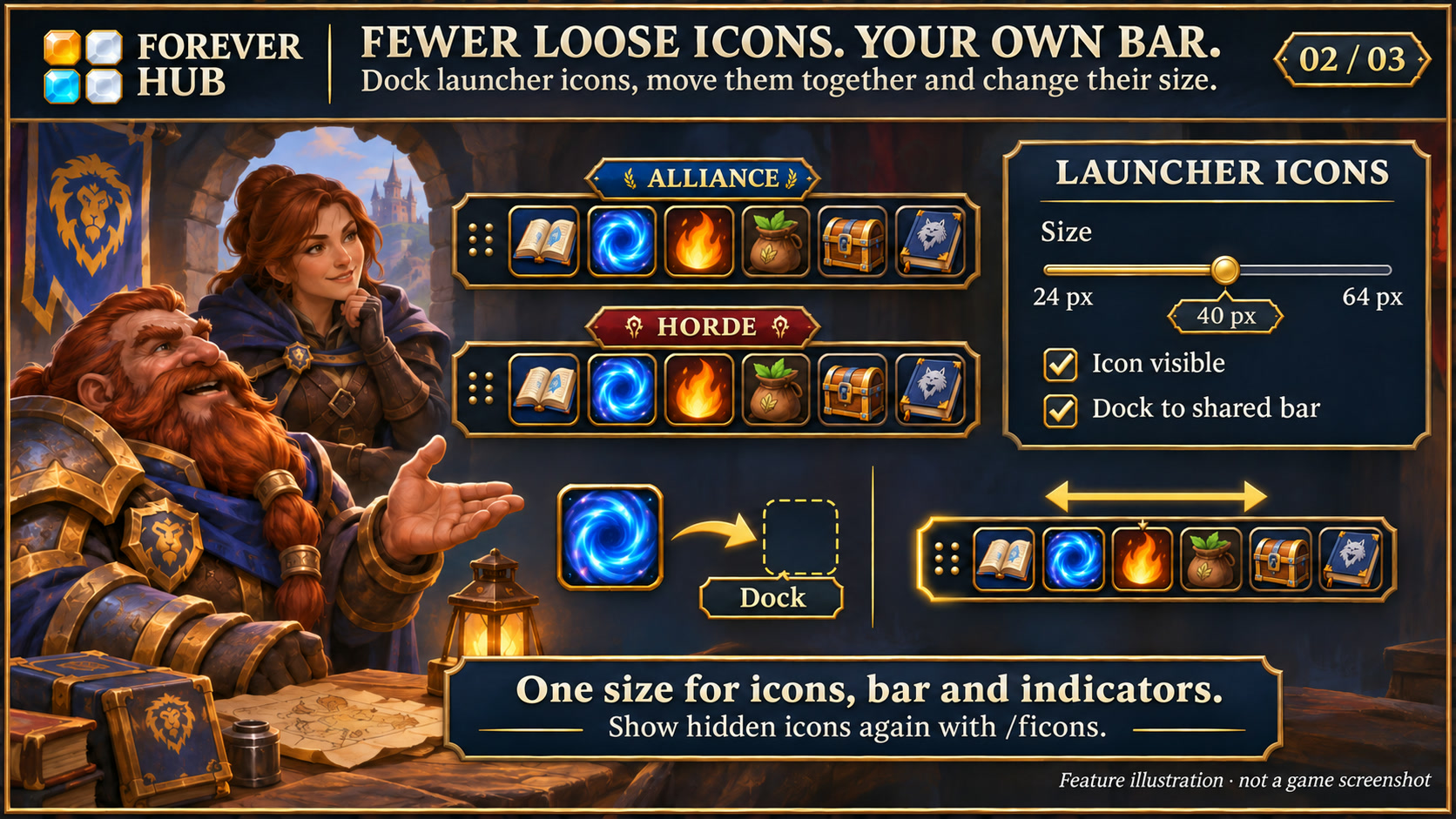
Dock launcher icons, move them together and adjust their size. Feature illustration, not a game screenshot.
Open full size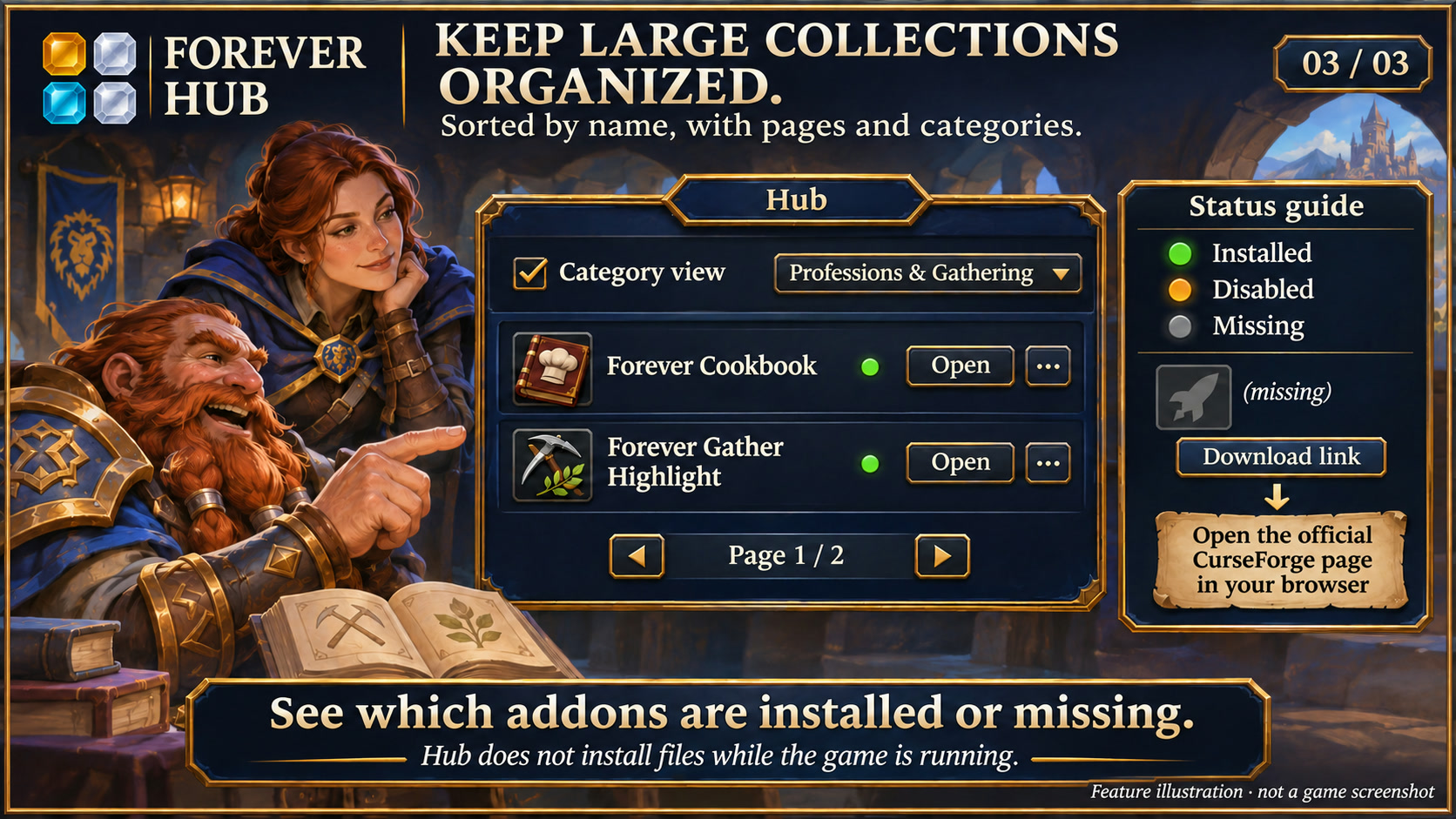
Browse by name, category and page, and distinguish installed, disabled and missing addons. Feature illustration, not a game screenshot.
Open full sizeDistinguish installed, disabled and missing addons; access windows, options and download links centrally.
Set launcher size between 24 and 64 pixels. The shared bar and its displays adapt accordingly.
Alliance or Horde bar, four designs and a round minimap icon. Hidden launchers can be restored.
Textured dark surfaces, subtle metal borders and clear selection states match the Forever collection. Search fields and details stay organised; compact action menus remain compact. Forever bar launchers stay frameless. Requires the current Forever Hub.
Follow the client language automatically, or select a language separately in each addon under Language and reload the UI. Missing translations fall back to English; item, quest and spell names stay in the client language. Requires Forever Hub 1.11.0 or later.
The collection menu recognizes the separate Forever Heal addon and its group/combat categories. Missing addons remain inactive; Heal is currently available for local testing only and also requires Forever Flex UI.
Yes. Every other addon in this collection requires Forever Hub. Install and enable it first. Hub itself can load without another extension.
Yes. Size is adjustable between 24 and 64 pixels. The shared bar adapts; hidden launchers can be re-enabled through management.
INSTALLATION & PUBLICATION
Release 1.11.4 for WoW Forever 1.60.1 is still processing at CurseForge. The last confirmed approved version, 1.11.2, remains available.
Open in-game: /forever or Forever Hub. Updated: 17 November 2026.