Directly from the context menu
Right-click a player → Add friend → Add to Forever Contacts Book. Existing notes and favourites are preserved.
Contacts & mail · WoW Forever
Remember character names, find them again and use them as mail recipients.
Options & getting started: /fcontacts
 WOW FOREVER · VERSION 1.2.5
THE PROJECT
A local address book for WoW friends, guild members and former groups. Names including Forever surnames are preserved; notes, favourites and source labels help you find people again.
FEATURE ILLUSTRATIONS
Illustrated feature examples, not game screenshots. The actual appearance depends on your chosen design, settings and available game functions.
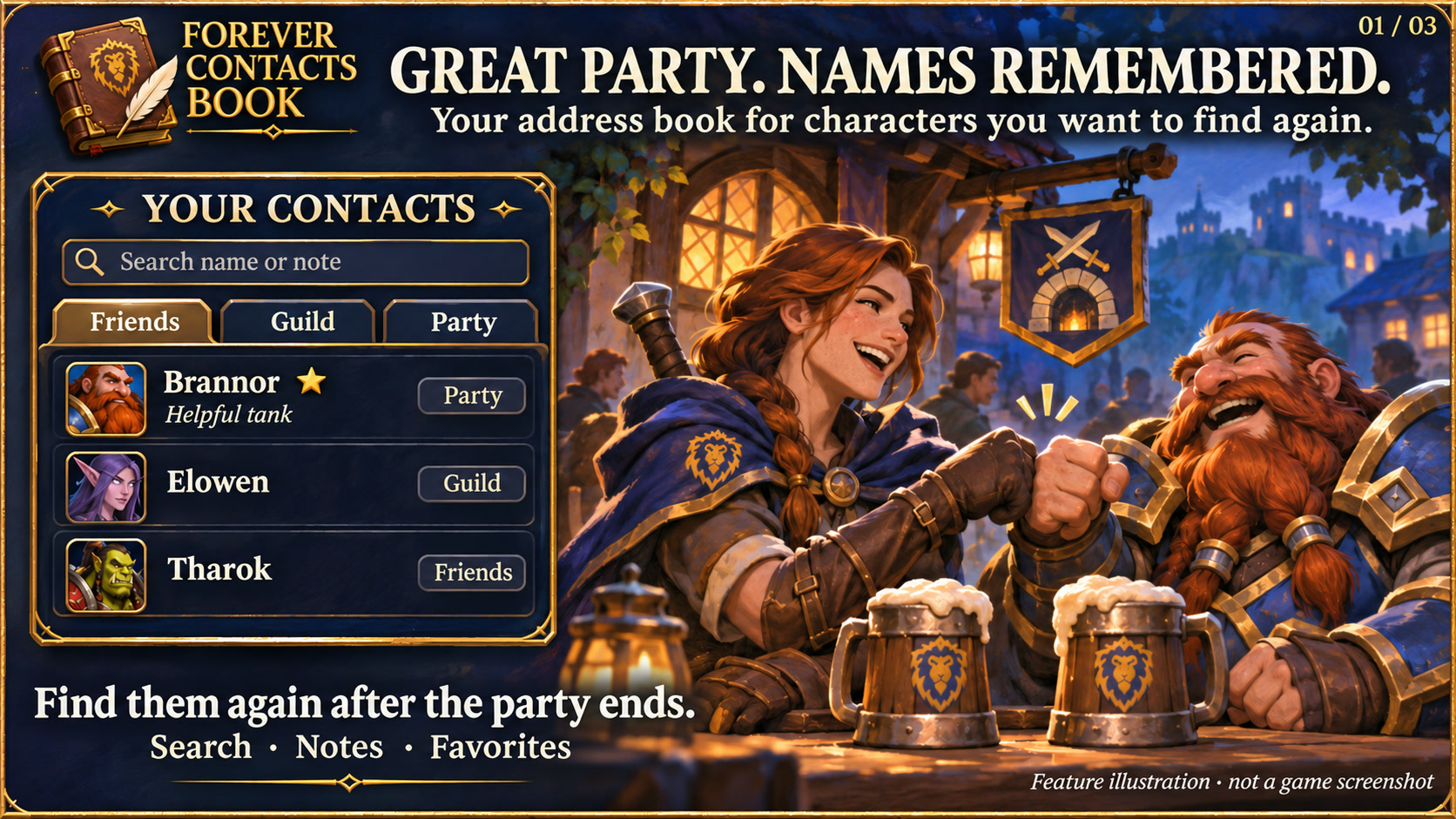
Find saved character names with search, notes and favorites. Feature illustration, not a game screenshot.
Open full size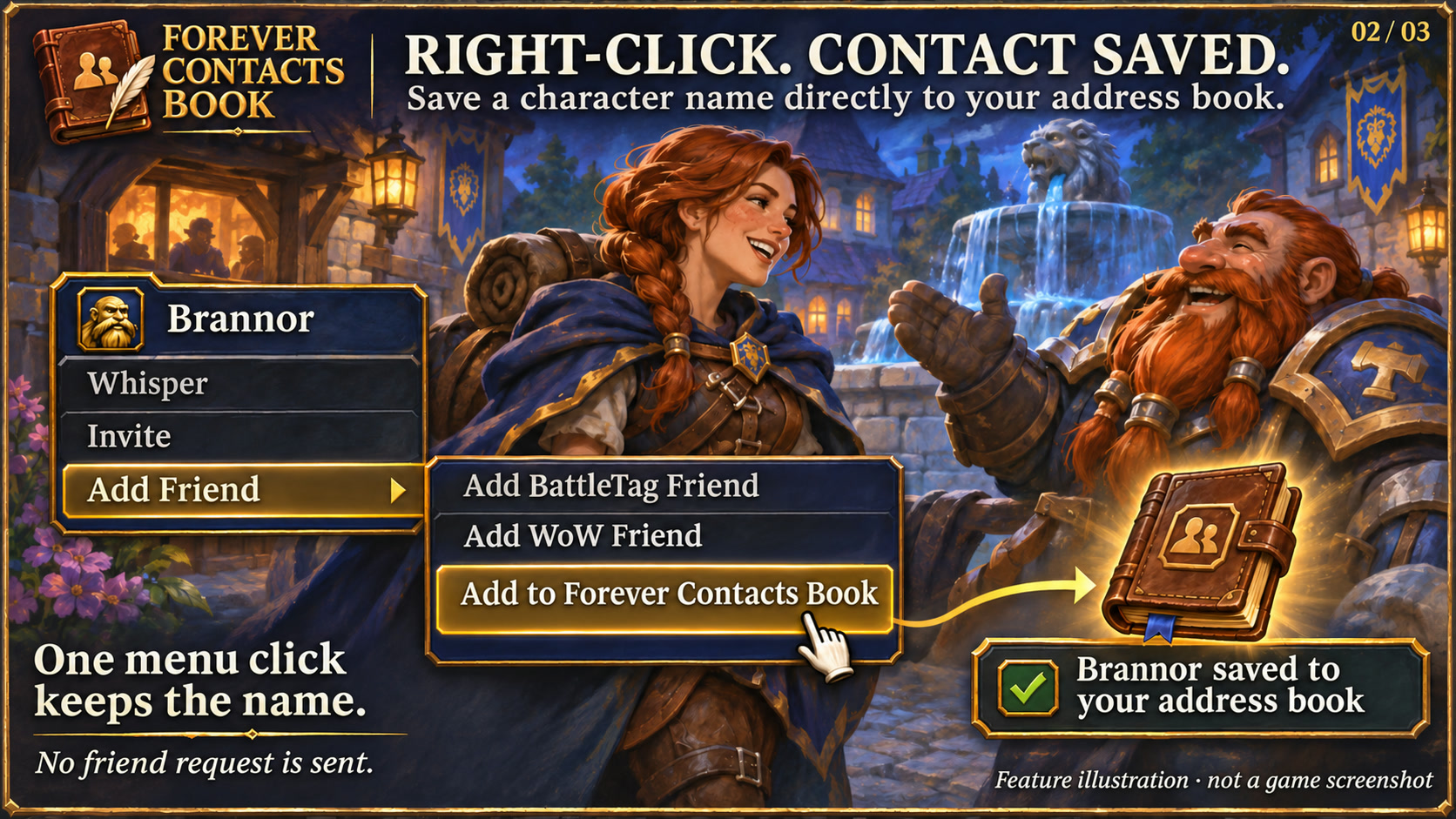
Add a character to the addon address book without sending a friend request. Feature illustration, not a game screenshot.
Open full size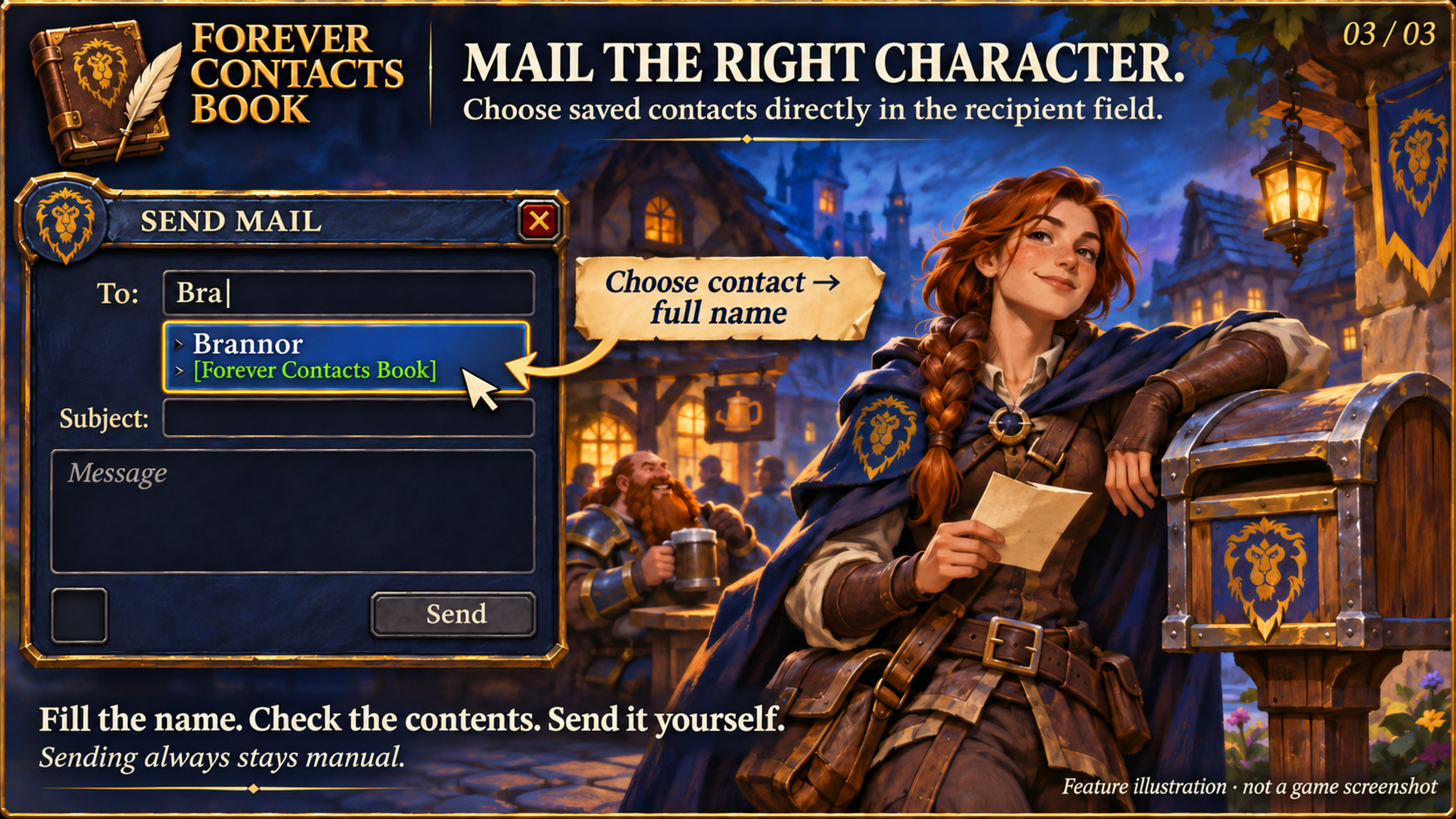
Select addon contacts in the recipient field; review and send mail manually. Feature illustration, not a game screenshot.
Open full sizeRight-click a player → Add friend → Add to Forever Contacts Book. Existing notes and favourites are preserved.
Choose a contact at the mailbox and insert the full name. Items and mail are still sent manually.
Saved contacts appear in the normal recipient field labelled Forever Contacts Book. Select the full name and send the mail yourself.
Textured dark surfaces, subtle metal borders and clear selection states match the Forever collection. Search fields and details stay organised; compact action menus remain compact. Forever bar launchers stay frameless. Requires the current Forever Hub.
Follow the client language automatically, or select a language separately in each addon under Language and reload the UI. Missing translations fall back to English; item, quest and spell names stay in the client language. Requires Forever Hub 1.11.0 or later.
Yes. Saved contacts appear as labelled Forever Contacts Book suggestions while you type. Selecting one inserts the full character name. This feature can be disabled in options.
No. You choose the recipient, content and sending action. Adding a character to the local address book sends no Blizzard friend request; contacts are not shared automatically.
INSTALLATION & PUBLICATION
Release 1.2.5 for WoW Forever 1.60.1 is available on CurseForge. Download the addon and receive future updates there.
Open in-game: /fcontacts or Forever Hub. Updated: 17 November 2026.