Your frames, your healing
Cast by clicking existing portraits or health bars. Enable click casting independently for player, party and raid frames.
Diagnostics & interface · WoW Forever
Click-cast learned heals, buffs and dispels on your existing Forever Flex UI frames.
Options & getting started: /fheal
 WOW FOREVER · VERSION 1.0.2
THE PROJECT
Keep your familiar player, party and raid frames. Forever Heal adds configurable mouse bindings for learned healing spells, buffs and dispels, with separate settings for each character.
FEATURE ILLUSTRATIONS
Illustrated feature examples, not game screenshots. The actual appearance depends on your chosen design, settings and available game functions.
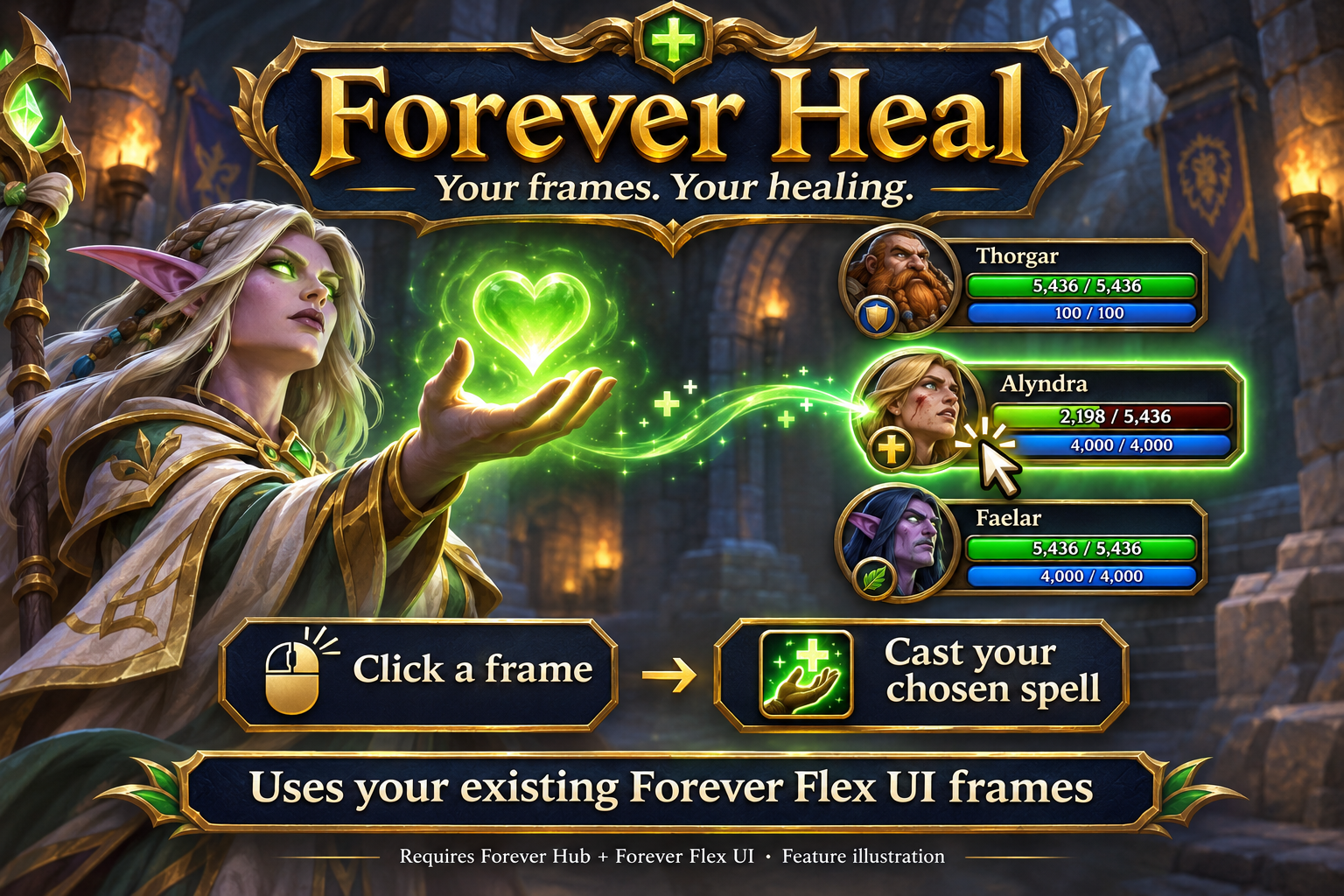
Cast learned spells by clicking your existing Forever Flex UI frames. Feature illustration, not a game screenshot.
Open full size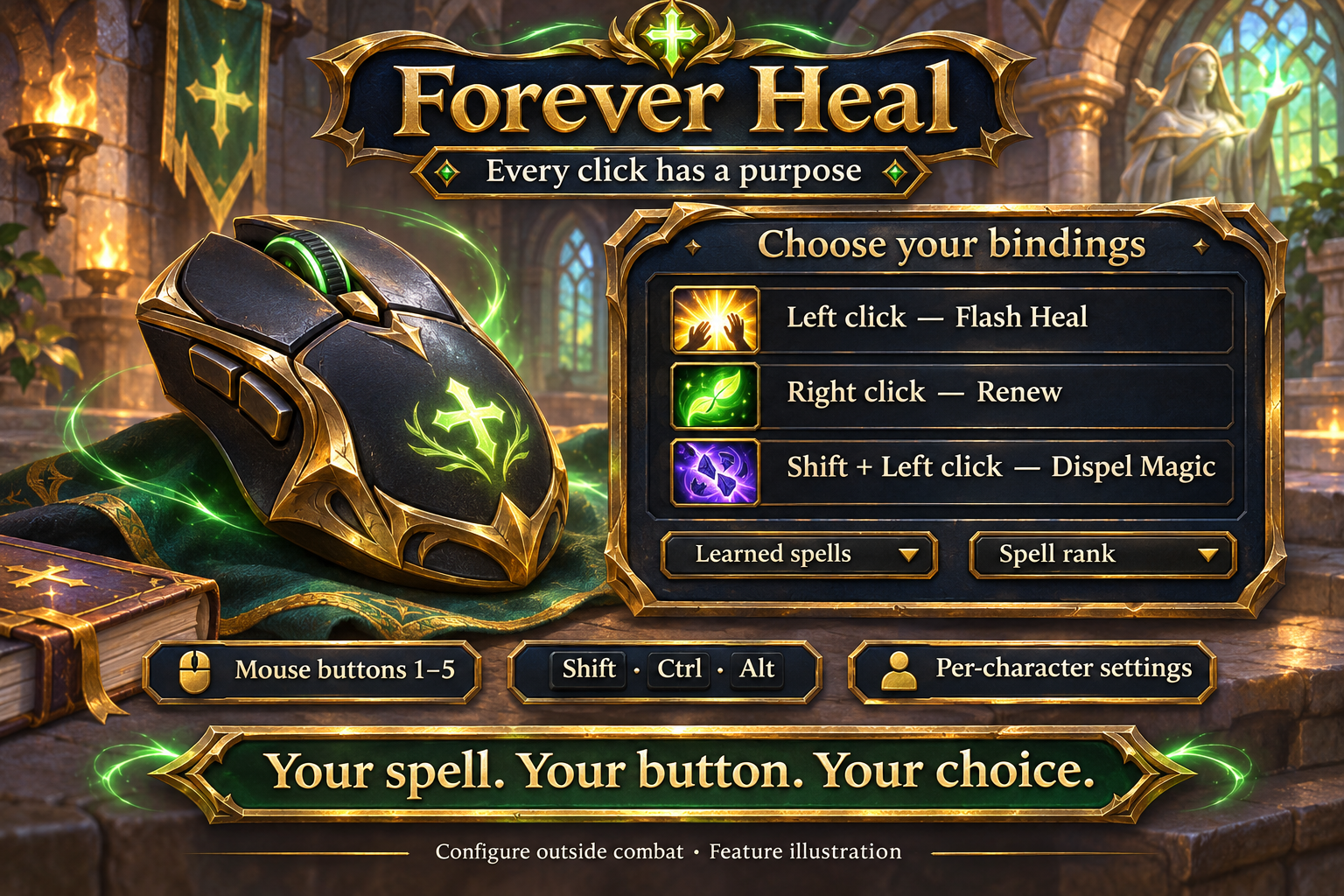
Assign five mouse buttons and modifier combinations to learned spells and ranks. Feature illustration, not a game screenshot.
Open full size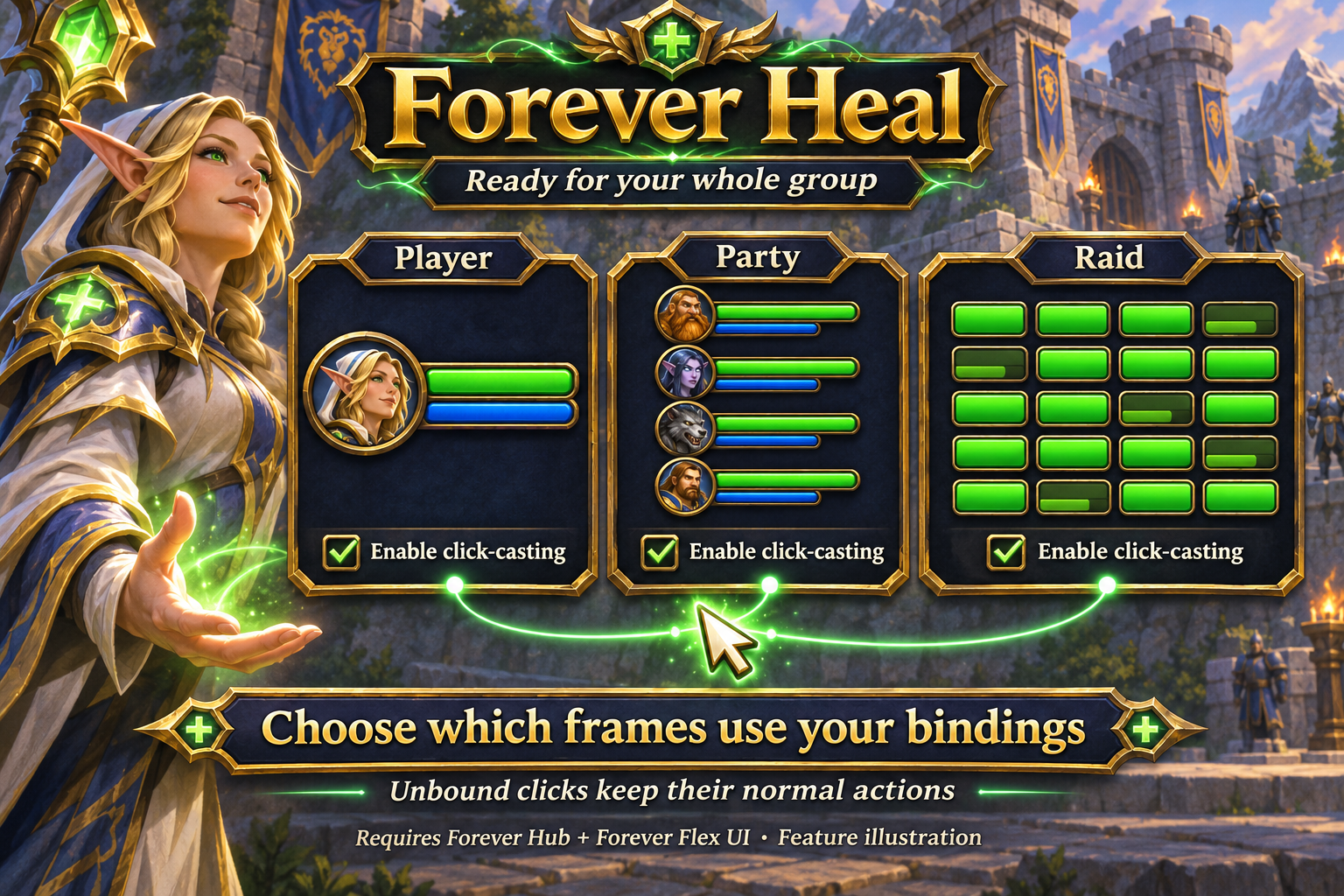
Choose player, party and raid frames, with separate settings per character. Feature illustration, not a game screenshot.
Open full sizeCast by clicking existing portraits or health bars. Enable click casting independently for player, party and raid frames.
Assign mouse buttons 1–5 with Shift, Ctrl and Alt combinations. Unassigned clicks retain their normal selection or context-menu behavior.
Search the spells your character knows. Use the highest available rank or keep a specific learned rank.
Each deliberate click uses your assigned spell. Configure outside combat; frames first created during combat receive bindings after combat ends.
Earlier Flex UI click bindings migrate once. Importing a UI layout does not overwrite healing bindings. English and German options are available; other client languages use English fallback.
Forever Hub and Forever Flex UI 1.4.3 or newer are required. Forever Heal uses the existing player, party and raid frames.
Open /fheal outside combat, enable click casting, choose player, party or raid frames, and assign a learned spell to a mouse button and modifier combination.
No. Each deliberate click casts your assigned spell. Unassigned clicks keep their normal behavior.
INSTALLATION & PUBLICATION
Release 1.0.2 for WoW Forever 1.60.1 is still processing at CurseForge. Public approval is still pending; the project page may remain unavailable until then.
Open in-game: /fheal or Forever Hub. Updated: 17 November 2026.