Put hitches on a timeline
FPS, long frame gaps and a bounded timeline show when a hitch occurred.
Diagnostics & interface · WoW Forever
Record stutters, compare addon timings and narrow down possible causes with evidence.
Options & getting started: /fdoctor
 WOW FOREVER · VERSION 1.2.3
THE PROJECT
Forever Doctor records frame gaps, addon timings and latency locally. Compare measurements around a hitch instead of treating a CPU percentage as proof of its cause.
FEATURE ILLUSTRATIONS
Illustrated feature examples, not game screenshots. The actual appearance depends on your chosen design, settings and available game functions.
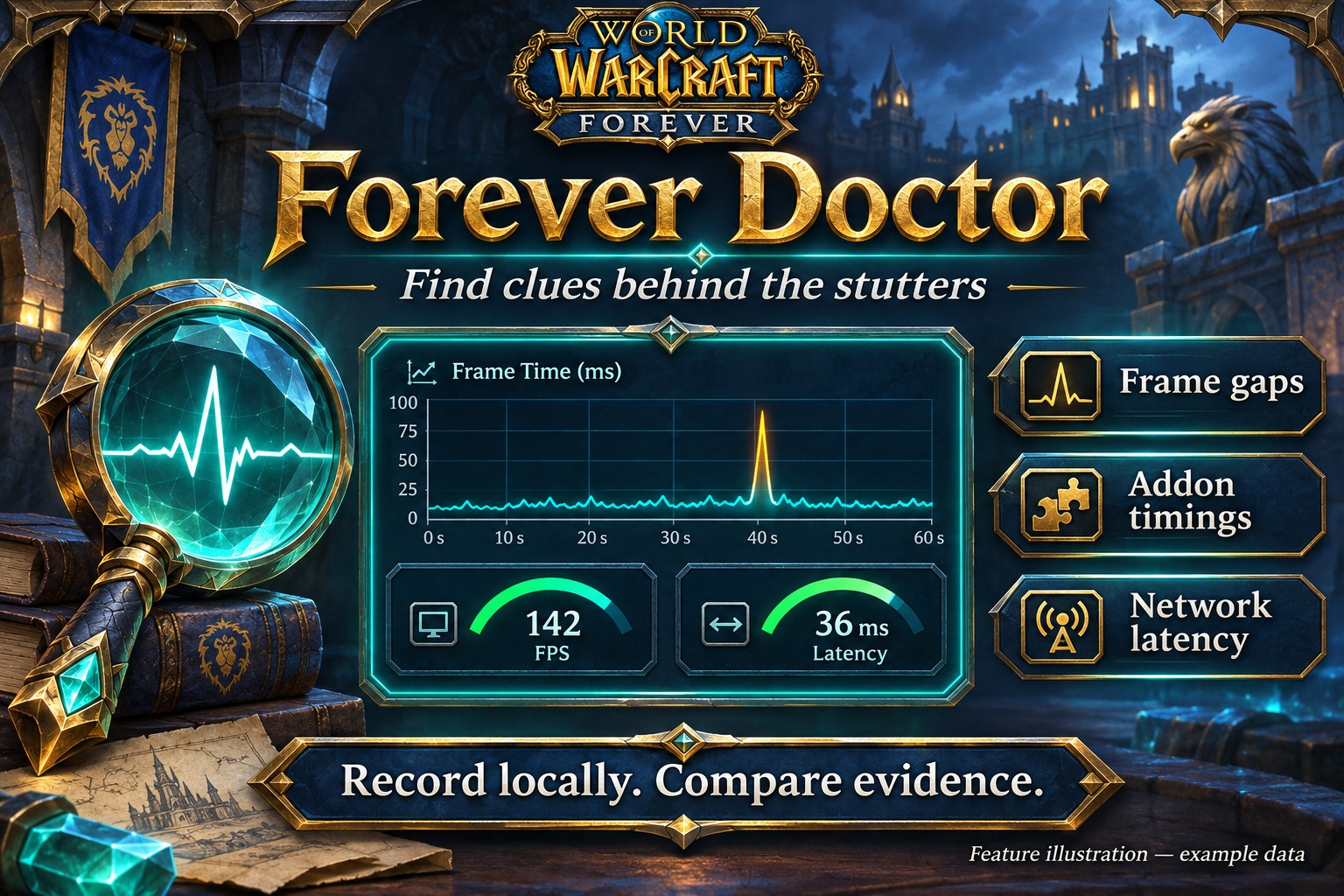
Record frame gaps and compare what happened around a hitch. Example data, not a game screenshot.
Open full size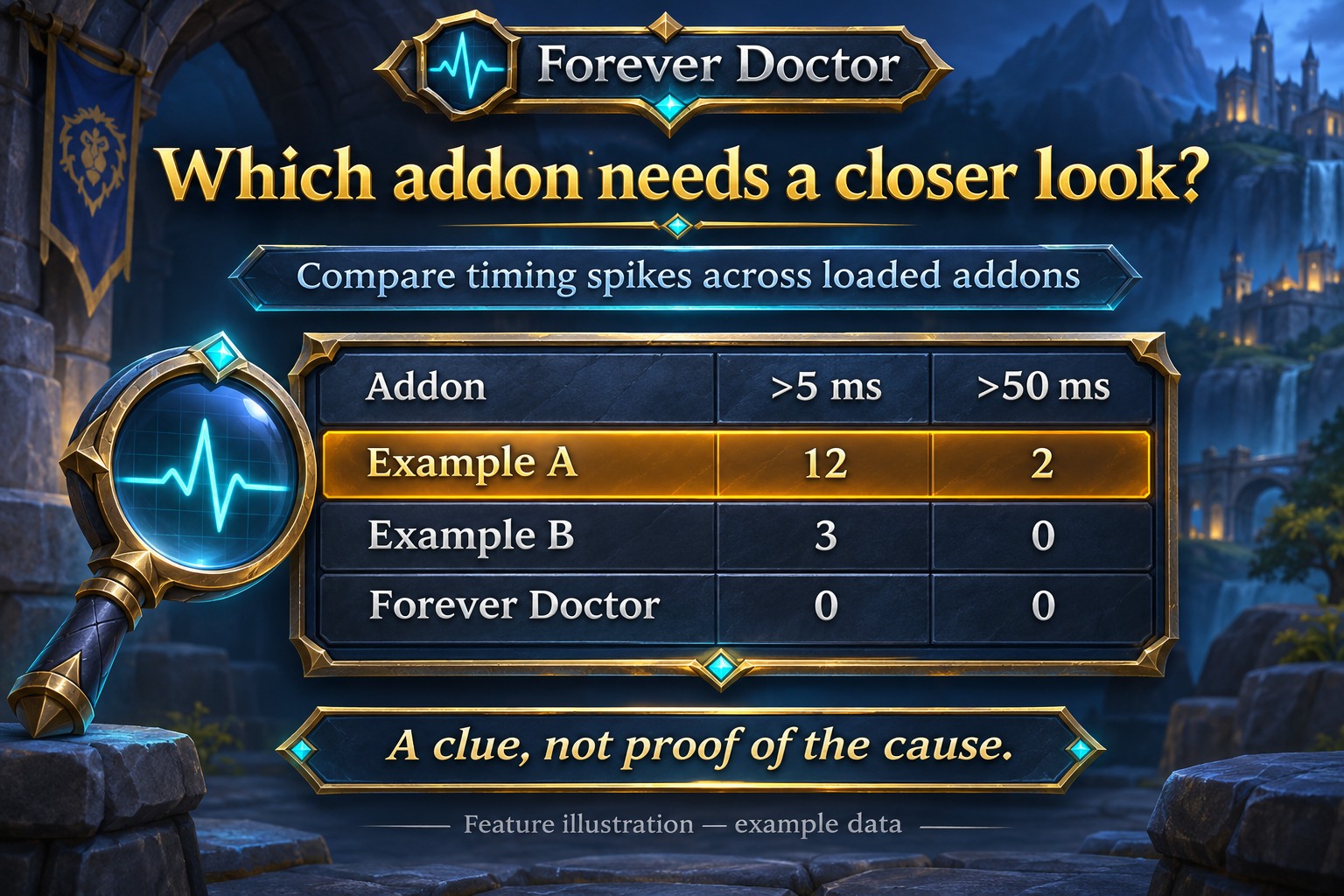
Review addon timings, frame gaps and latency together. Timing overlap is a clue, not proof.
Open full size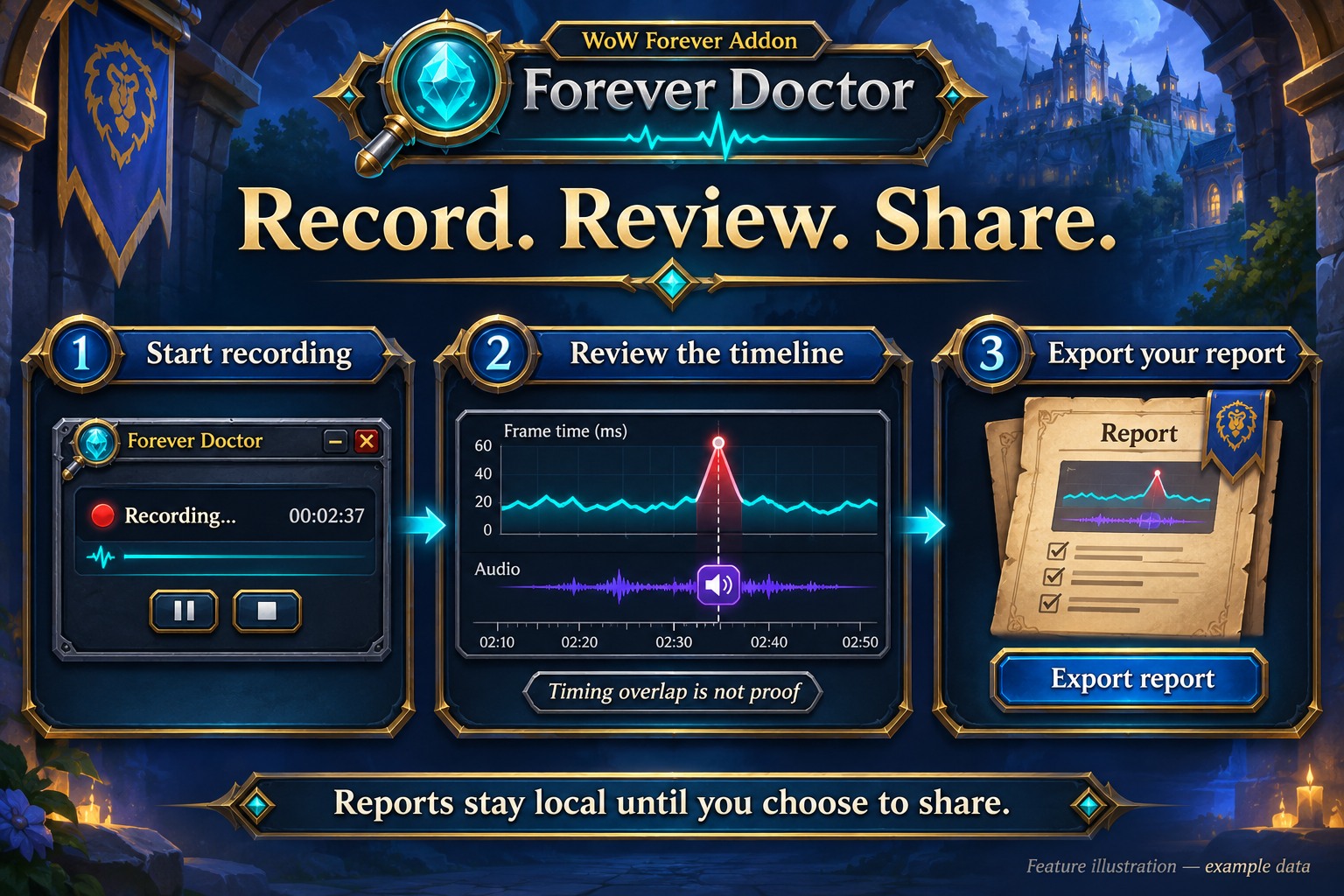
Keep reports locally and share only when you choose. Audio graphics are symbolic; spoken text and audio are not recorded.
Open full sizeFPS, long frame gaps and a bounded timeline show when a hitch occurred.
Compare timing spikes above 5 and 50 milliseconds for loaded addons, including Doctor itself. These are not total PC CPU percentages.
Optional audio-request markers and home/world latency help with comparisons. No spoken content or audio files are recorded.
Start recordings on request and retain the last three reports locally. Share deliberately by copying an export. Memory scans are off by default because they can cause hitches themselves.
Use /fdoctor functions for five minutes of detailed Flex UI and Campfire timings, alongside frame and audio-request markers. Reports stay local; export is JSON. The browser analyzer on kowarek.de opens exported reports and compares two recordings locally, without uploading their contents.
No. It gathers diagnostic evidence. You decide which settings or addons to compare afterwards.
Open /fdoctor, start a five-minute recording and play normally. Then compare Overview, Addons and Timeline. /fdoctor audio adds audio-request markers.
No. Reports remain local. You explicitly copy and share an export. Player names, chat and spoken content are not recorded.
INSTALLATION & PUBLICATION
Release 1.2.3 for WoW Forever 1.60.1 is still processing at CurseForge. Public approval is still pending; the project page may remain unavailable until then.
Open in-game: /fdoctor or Forever Hub. Updated: 17 November 2026.