Choose a bag deliberately
Select your backpack or an equipped bag. No sale bag is selected by default.
Inventory & vendors · WoW Forever
Turn a selected bag into a loot bag: its sellable contents are automatically sold at a vendor.
Options & getting started: /floot
 WOW FOREVER · VERSION 1.5.3
THE PROJECT
Forever Loot Bag separates sellable loot from the rest of your inventory. Choose a physical bag and review what will be sold, kept or still needs checking.
FEATURE ILLUSTRATIONS
Illustrated feature examples, not game screenshots. The actual appearance depends on your chosen design, settings and available game functions.
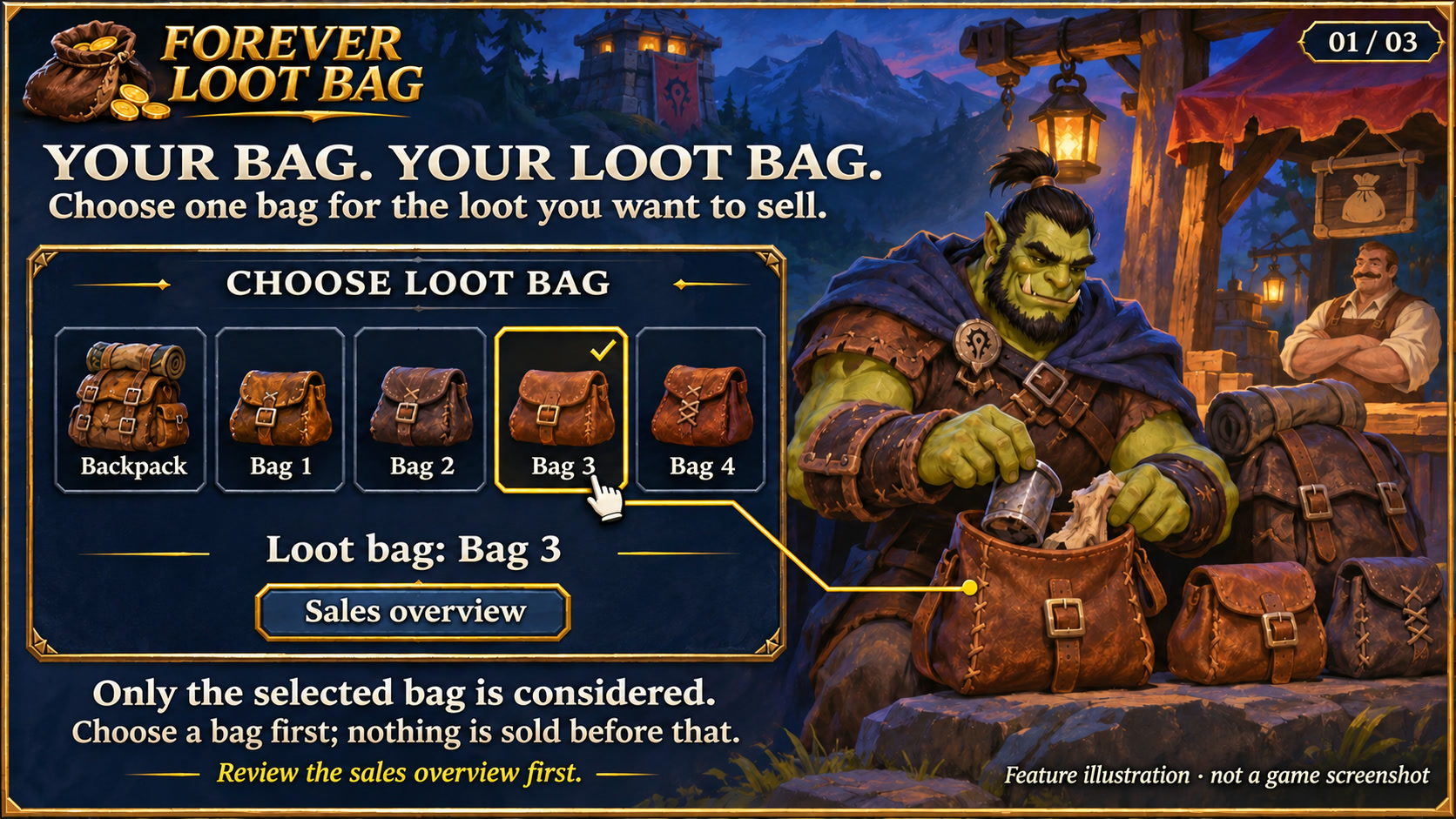
Select the bag whose contents should be considered for automatic vendor sales. Feature illustration, not a game screenshot.
Open full size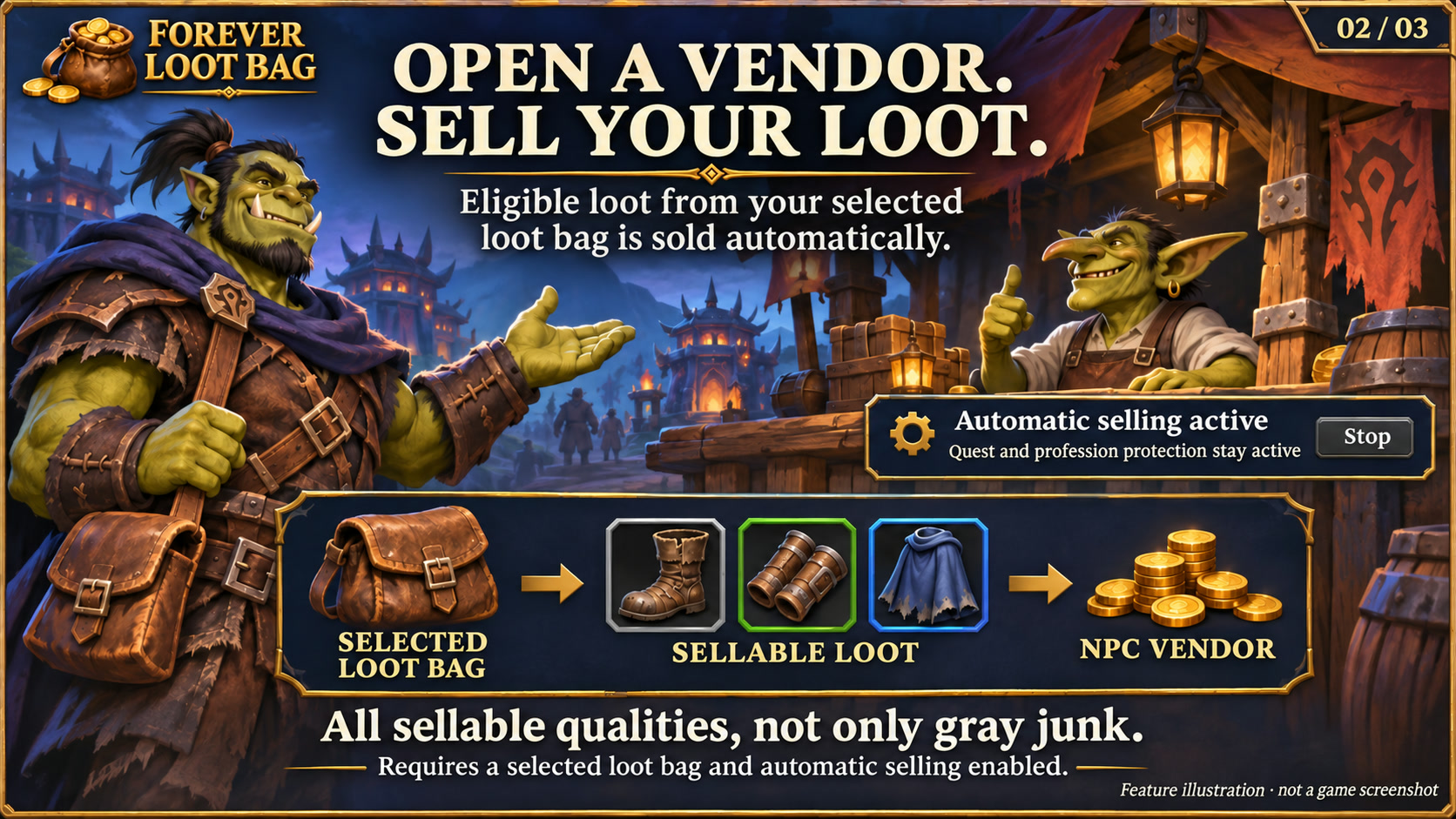
Sell eligible loot from the selected bag when automatic selling is enabled. Feature illustration, not a game screenshot.
Open full size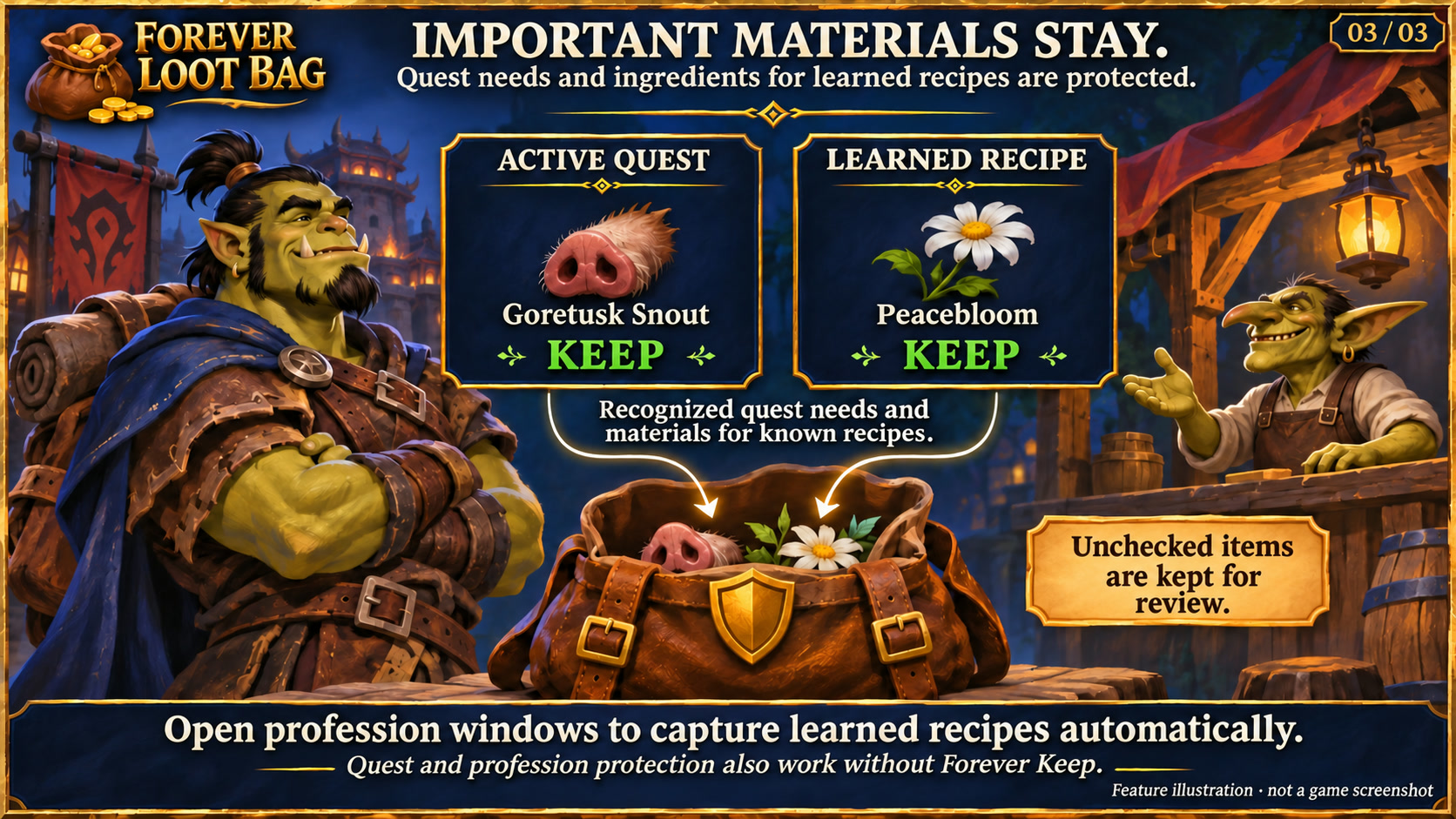
Retain recognized active quest needs and materials for learned recipes; unverified items stay for review. Feature illustration, not a game screenshot.
Open full sizeSelect your backpack or an equipped bag. No sale bag is selected by default.
The bundled scanner retains recognised quest items and unchecked data. Optional manual protection from Forever Keep adds further safeguards.
Every stack is checked again. Selling stops on combat, vendor closure or a bag change, among other conditions.
Textured dark surfaces, subtle metal borders and clear selection states match the Forever collection. Search fields and details stay organised; compact action menus remain compact. Forever bar launchers stay frameless. Requires the current Forever Hub.
Follow the client language automatically, or select a language separately in each addon under Language and reload the UI. Missing translations fall back to English; item, quest and spell names stay in the client language. Requires Forever Hub 1.11.0 or later.
Sellable items of every quality from the explicitly selected bag, potentially including uncommon, rare and epic items. Recognised quest requirements and unresolved data are retained; Forever Keep adds protection.
No. No bag is selected initially. Choose the intended physical bag and inspect the sale preview before opening a vendor.
INSTALLATION & PUBLICATION
Release 1.5.3 for WoW Forever 1.60.1 is available on CurseForge. Download the addon and receive future updates there.
Open in-game: /floot or Forever Hub. Updated: 17 November 2026.