Current values and relevant limits
Sliders and selectors show client values and available options. Native ranges, client-tested limits and experience-based ranges are distinguished.
Interface & controls · WoW Forever
Graphics and display options with current client values, profiles and undo.
Options & getting started: /fgraphics
 WOW FOREVER · VERSION 0.1.5
THE PROJECT
Forever Graphic Tune brings together 44 adjustable graphics/display options and 22 read-only expert values in six categories. The window reads current client settings; changes take effect only when you click Apply.
FEATURE ILLUSTRATIONS
Illustrated feature examples, not game screenshots. The actual appearance depends on your chosen design, settings and available game functions.
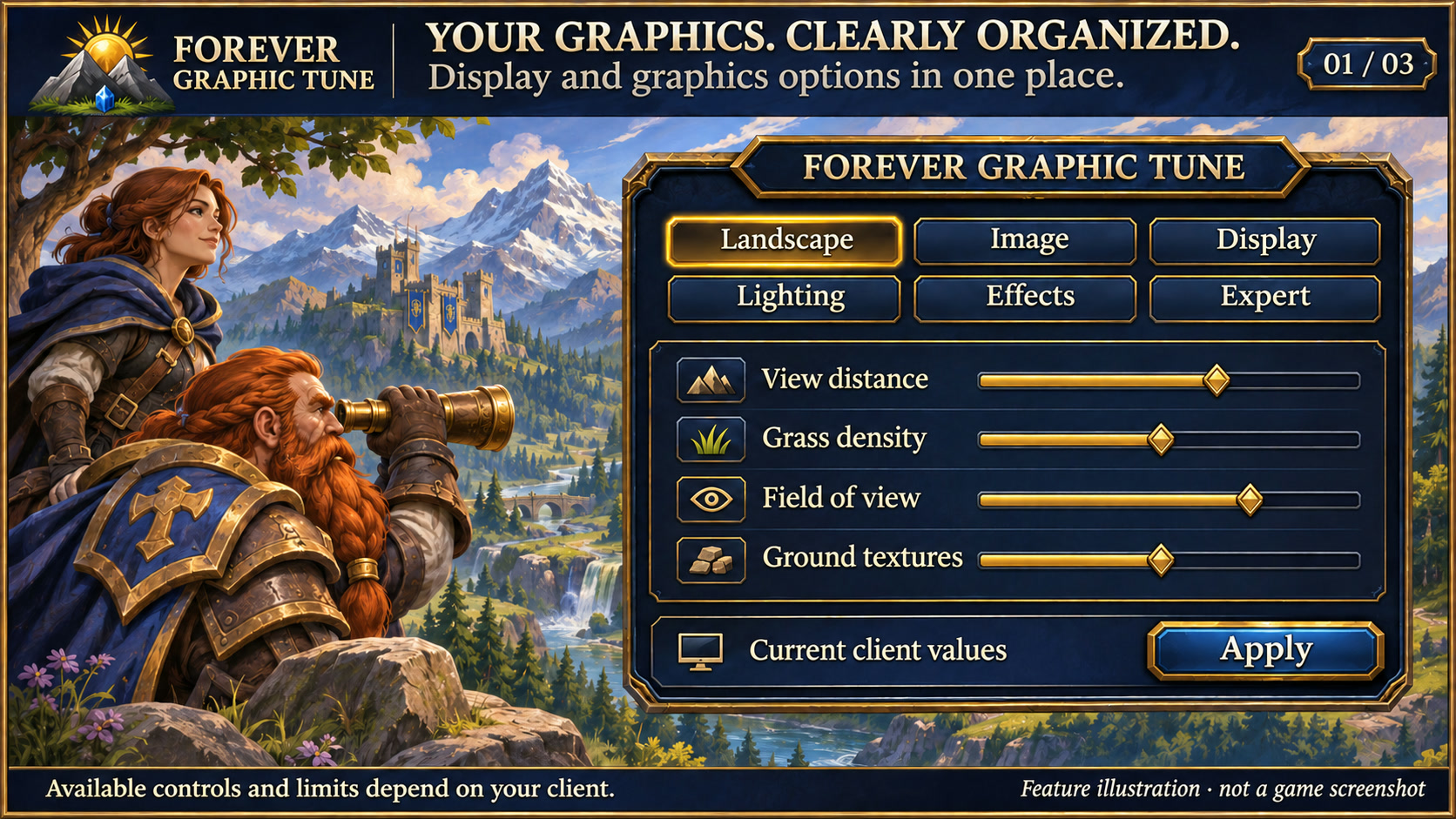
Find display and graphics controls in one place, within the limits of your client. Feature illustration, not a game screenshot.
Open full size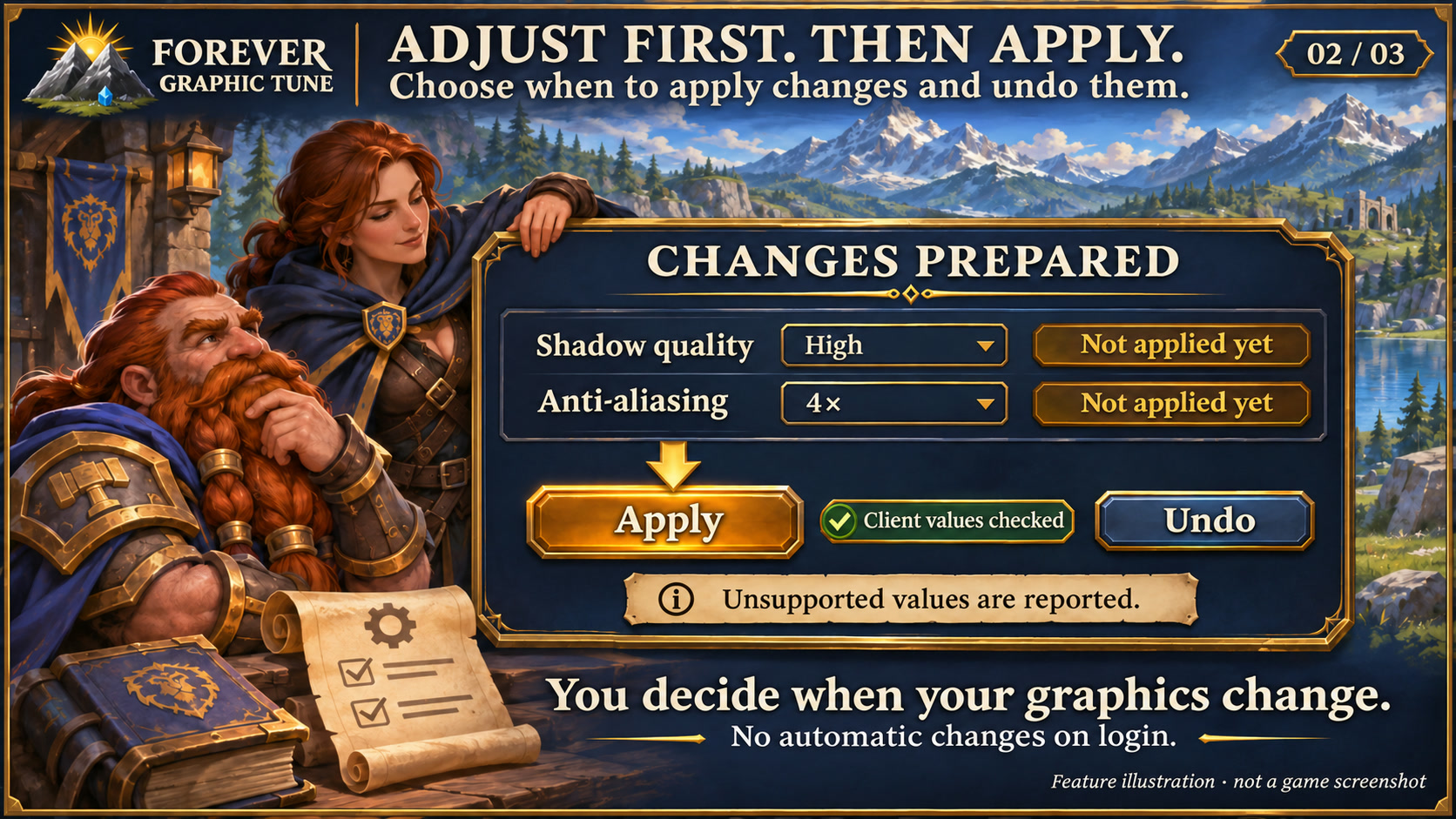
Prepare changes, explicitly apply them, check results and undo when needed. Feature illustration, not a game screenshot.
Open full size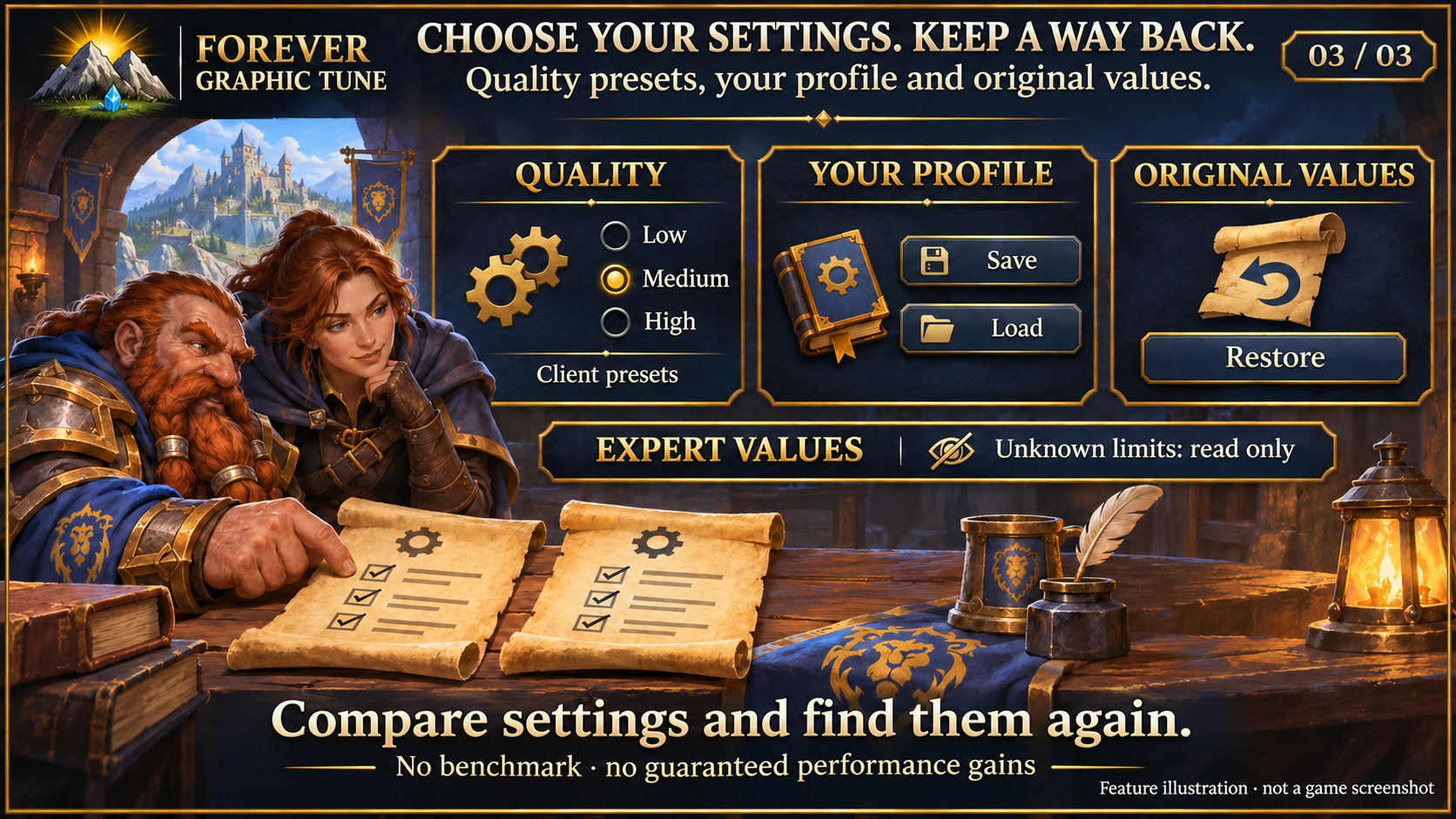
Compare client presets, save a profile and restore original settings. No performance gain is guaranteed. Feature illustration, not a game screenshot.
Open full sizeSliders and selectors show client values and available options. Native ranges, client-tested limits and experience-based ranges are distinguished.
Native quality presets, a custom profile, undo and restoration of recorded initial values.
View distance, vegetation, textures, shadows, water, image scaling and display. Unsupported options depend on the client and hardware.
Textured dark surfaces, subtle metal borders and clear selection states match the Forever collection. Search fields and details stay organised; compact action menus remain compact. Forever bar launchers stay frameless. Requires the current Forever Hub.
Follow the client language automatically, or select a language separately in each addon under Language and reload the UI. Missing translations fall back to English; item, quest and spell names stay in the client language. Requires Forever Hub 1.11.0 or later.
It exposes the client's existing graphics and display settings. Adjust view distance, vegetation, shadows or image scaling. It adds no new texture packs or rendering engine.
No. The window shows current client values. Changes apply only when you click Apply. A custom profile, Undo and restoration of captured initial values help comparisons.
Available options depend on the client and hardware. The interface distinguishes native ranges, tested limits and experience-based ranges; unknown expert values remain read-only. Higher values do not guarantee better visuals or smoother play.
INSTALLATION & PUBLICATION
Release 0.1.5 for WoW Forever 1.60.1 is still processing at CurseForge. The last confirmed approved version, 0.1.3, remains available.
Open in-game: /fgraphics or Forever Hub. Updated: 17 November 2026.